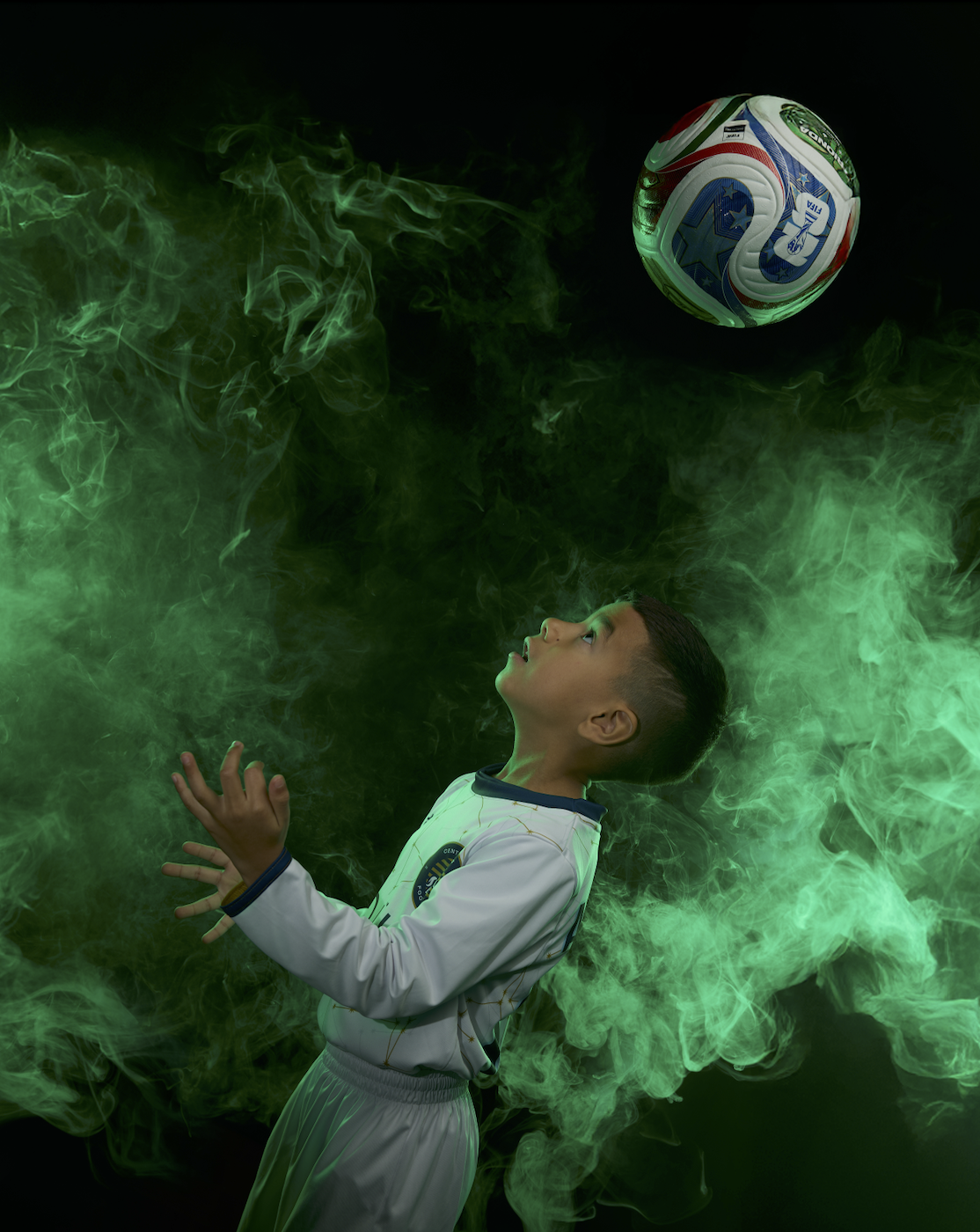
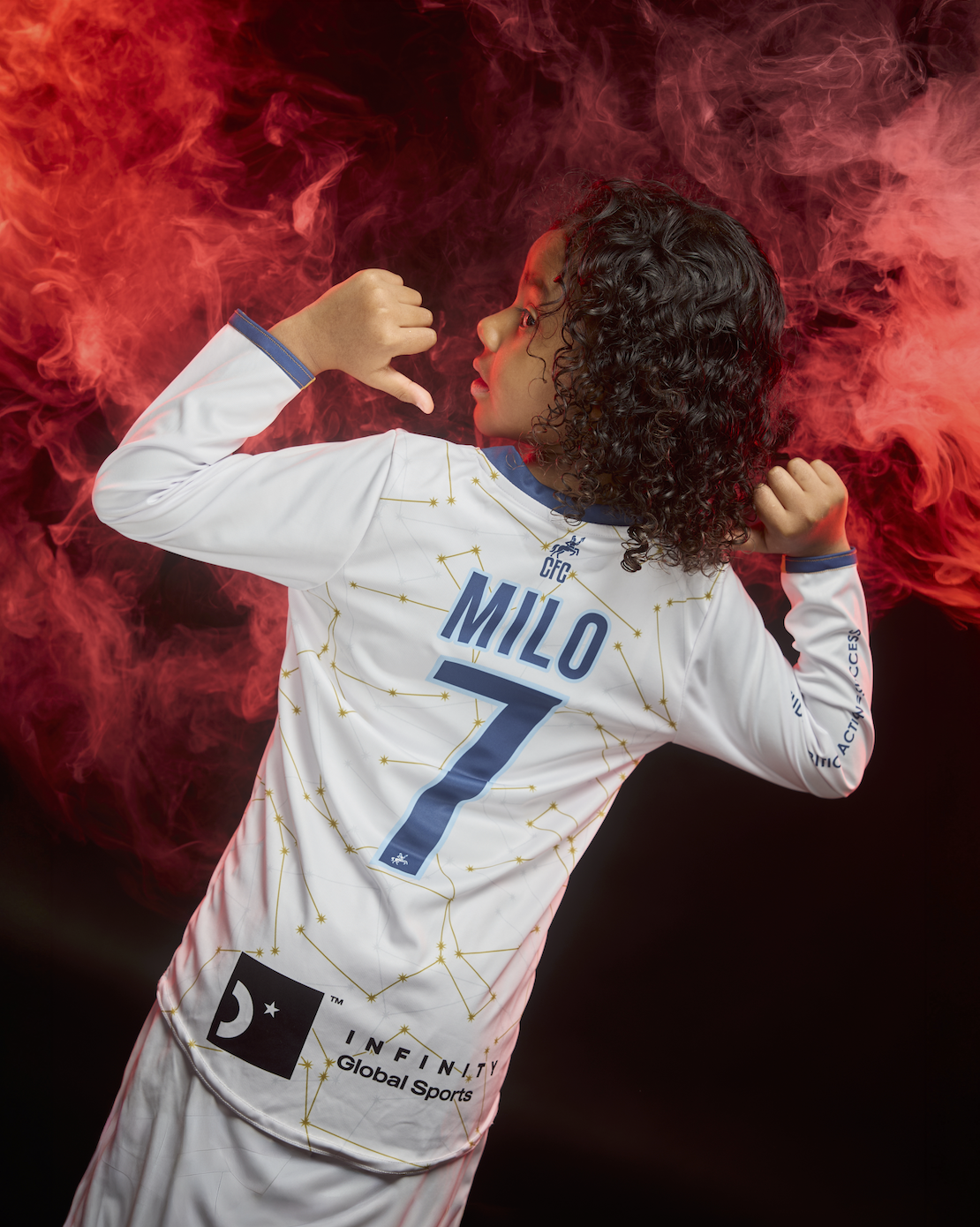
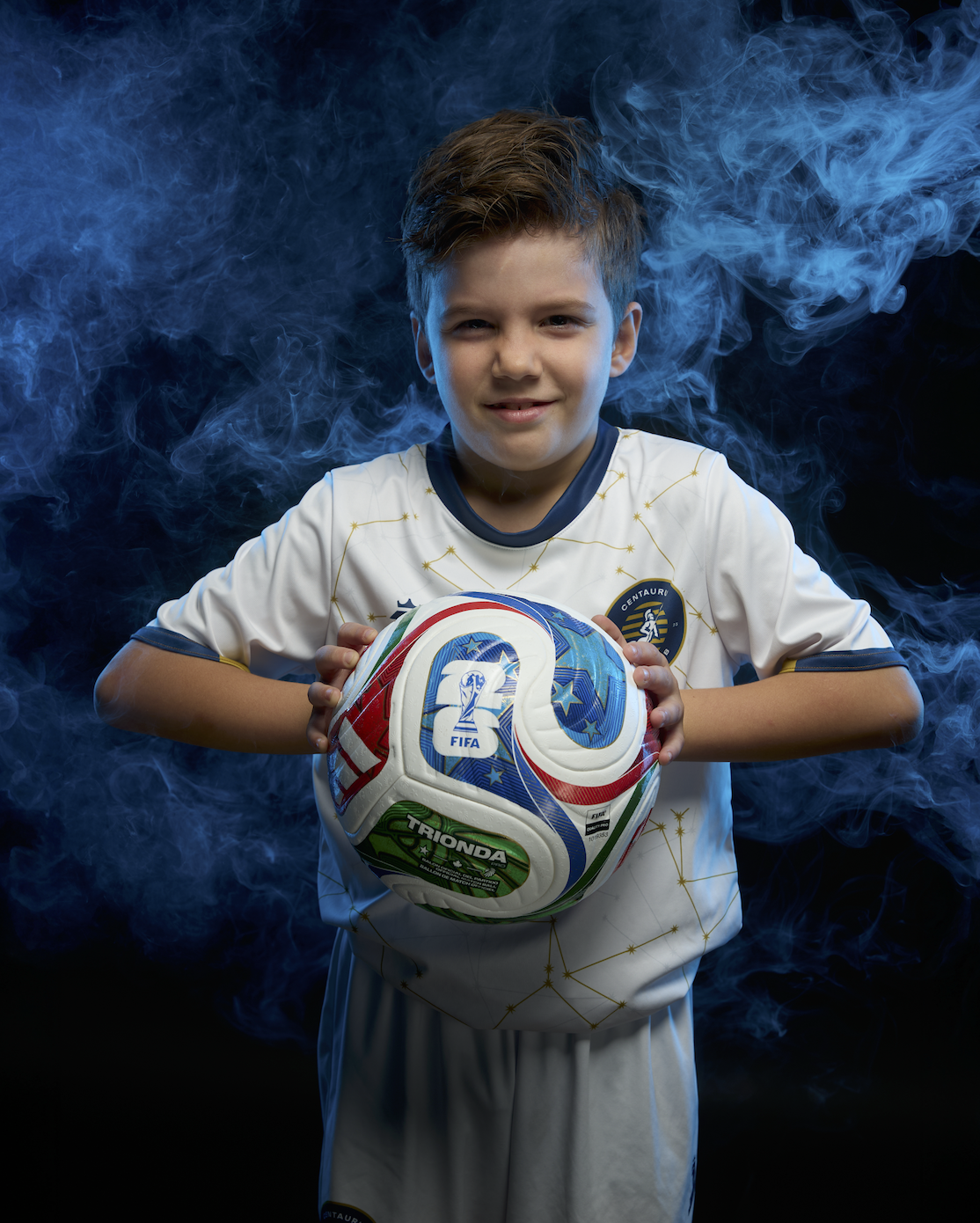
How To Order Your Photo Day Prints and Digital Downloads

Here, we’ll explain how to order your child’s portrait prints, step by step:
You can watch a how-to video here, or to read the instuctions, scroll down ⤵️
VIDEO INSTRUCTIONS:
STEP ONE:
Go to the Photo Day website, and log in with the ***same email or phone number*** you used to buy your Advance Pay credit.
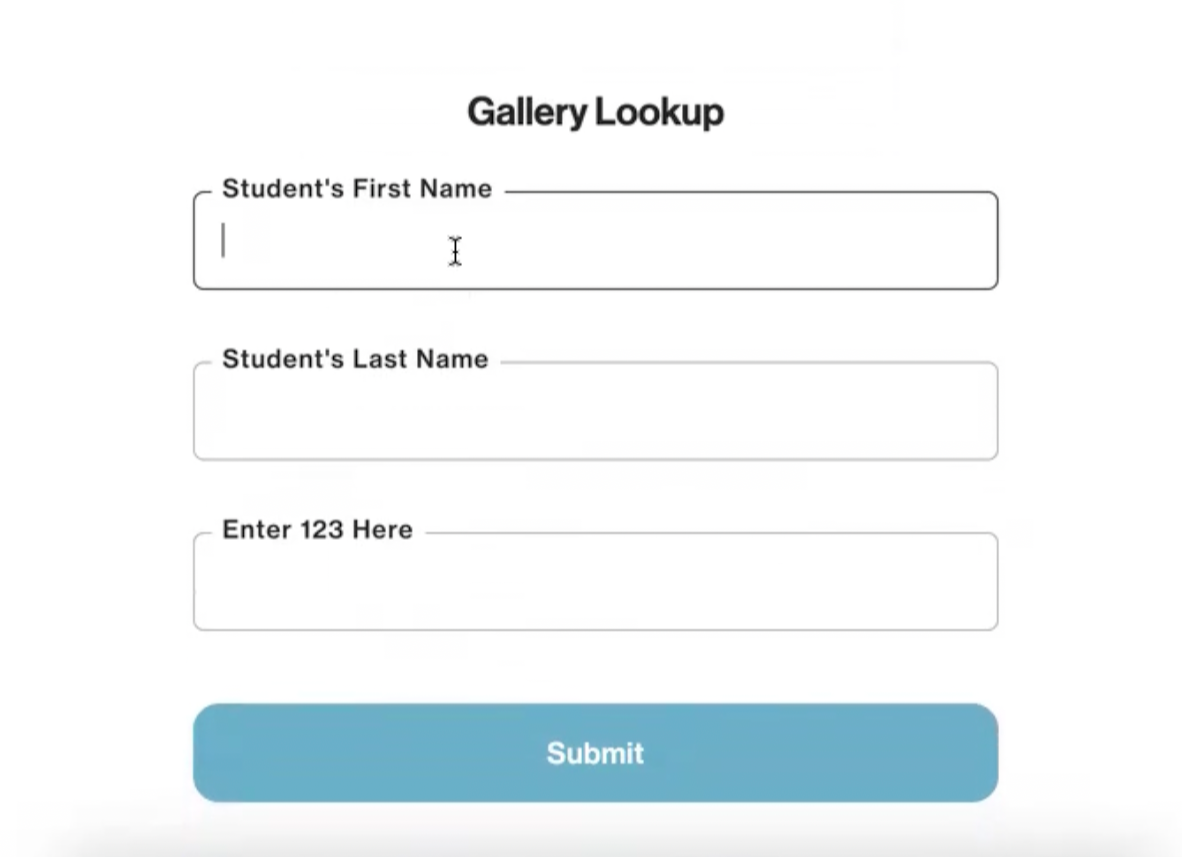
STEP TWO:
⬅️ You should see this ⬅️⬅️ next
Fill in your child’s first and last name
Enter 123 in the third box
STEP THREE:
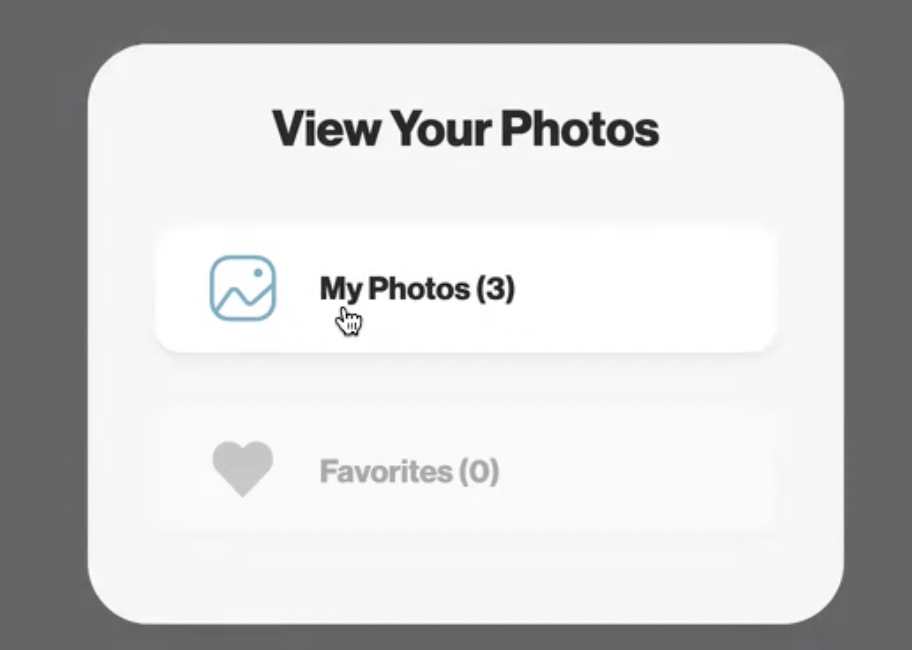
⬅️ WHen this box comes up, Click on “My Photos”
STEP FOUR:
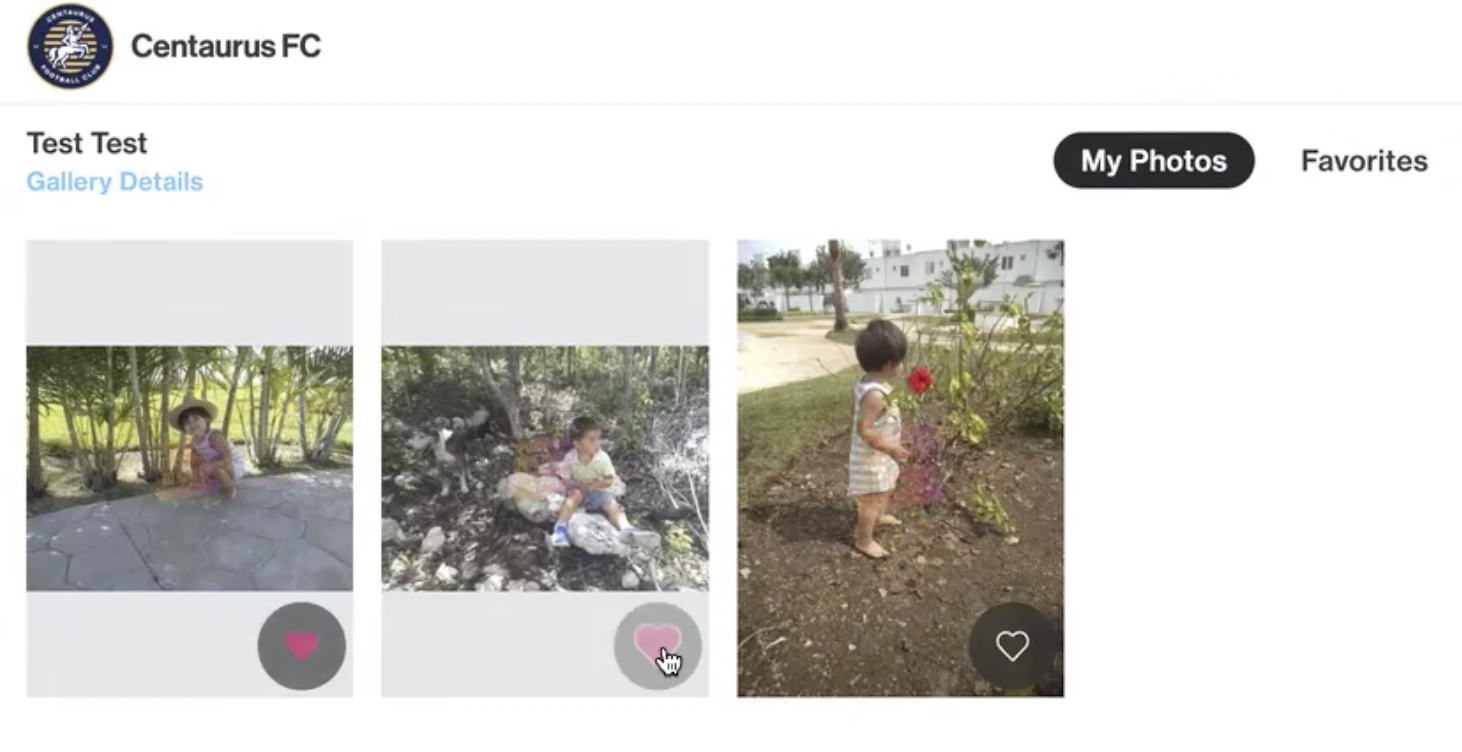
You must then put a heart on each photo to be able to use them for prints ➡️
STEP FIVE:
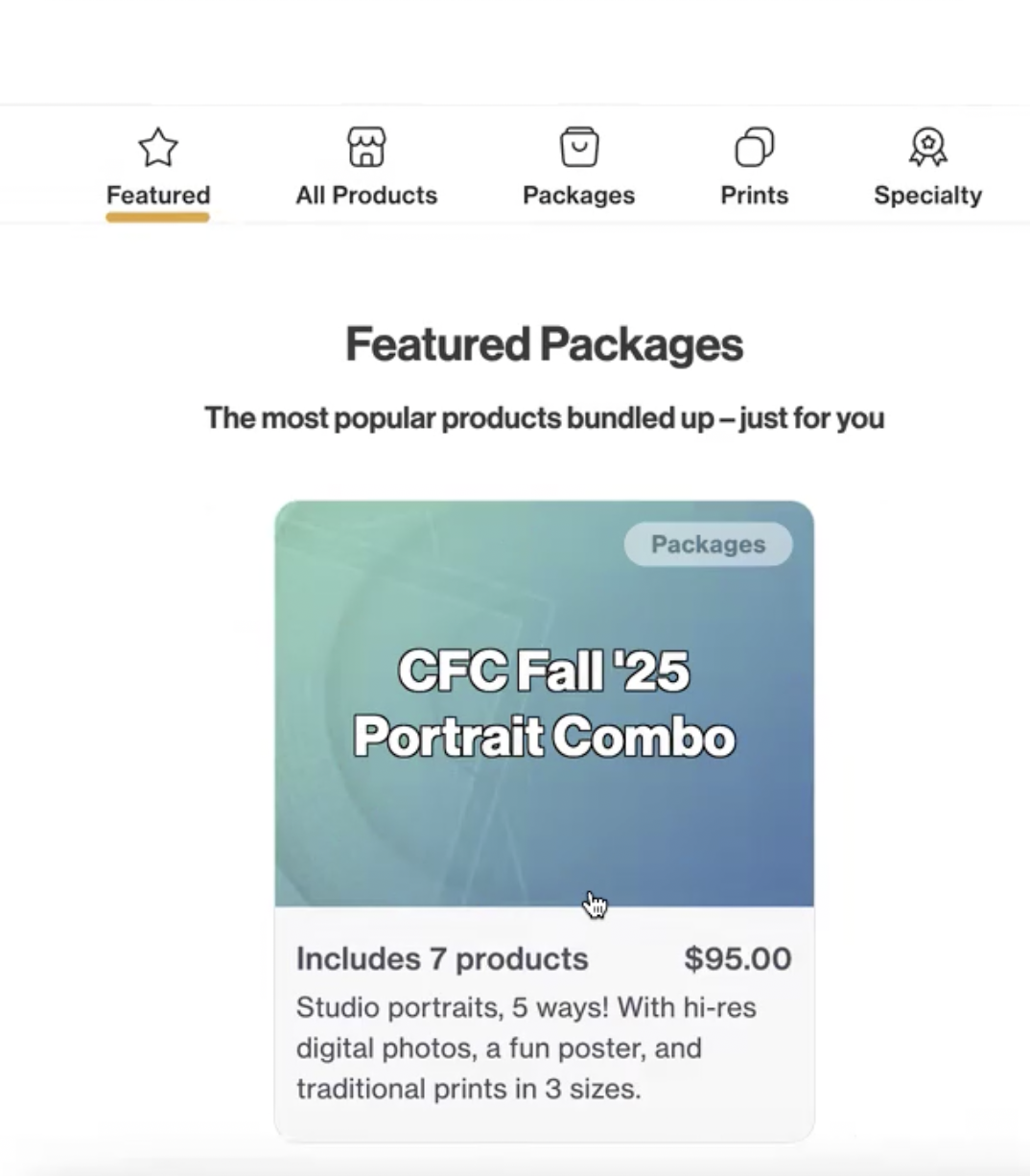
Choose your Prints package (There is only one option!) ⤵️
STEP SIX:
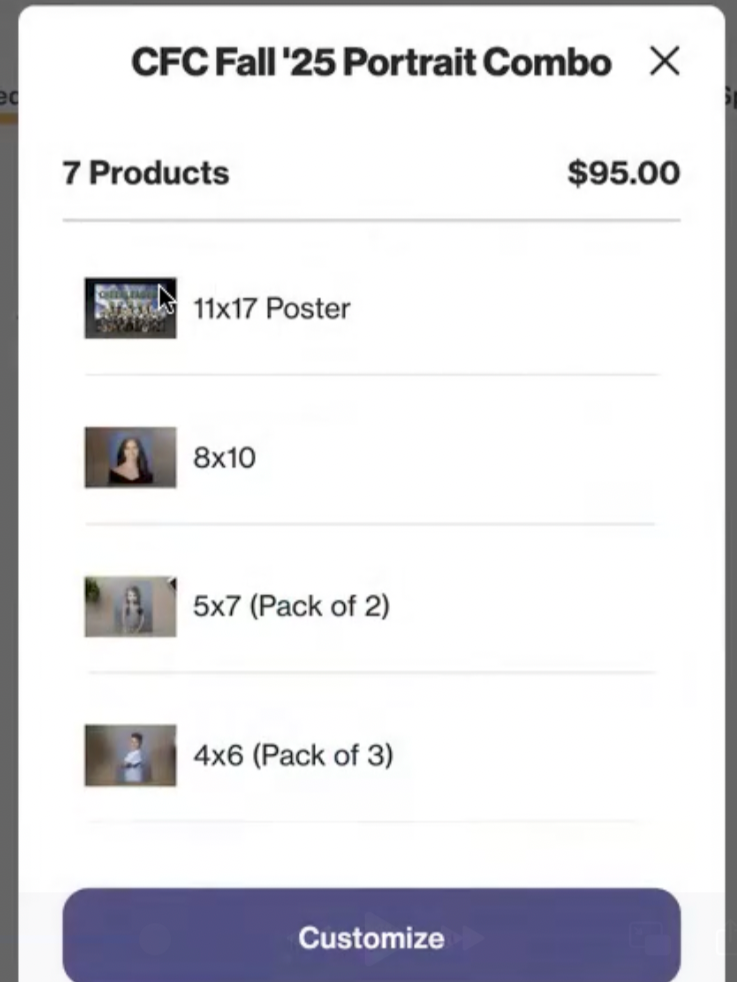
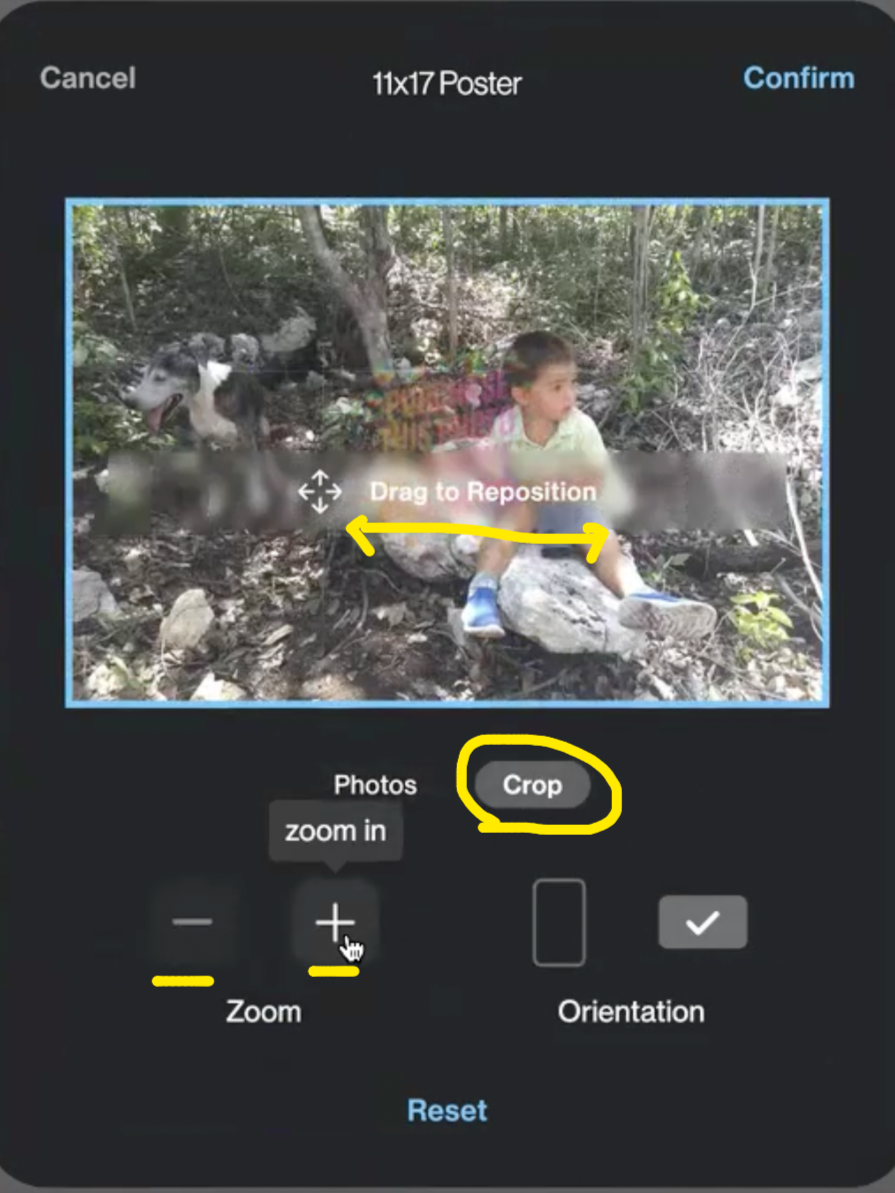
Choose which photo you want for each size of print (11 x 17 poster, 5 x 7, 4 x 6, etc.)
EDIT YOUR PHOTOS: You can crop by zooming in, zooming out, and moving the photo from side to side
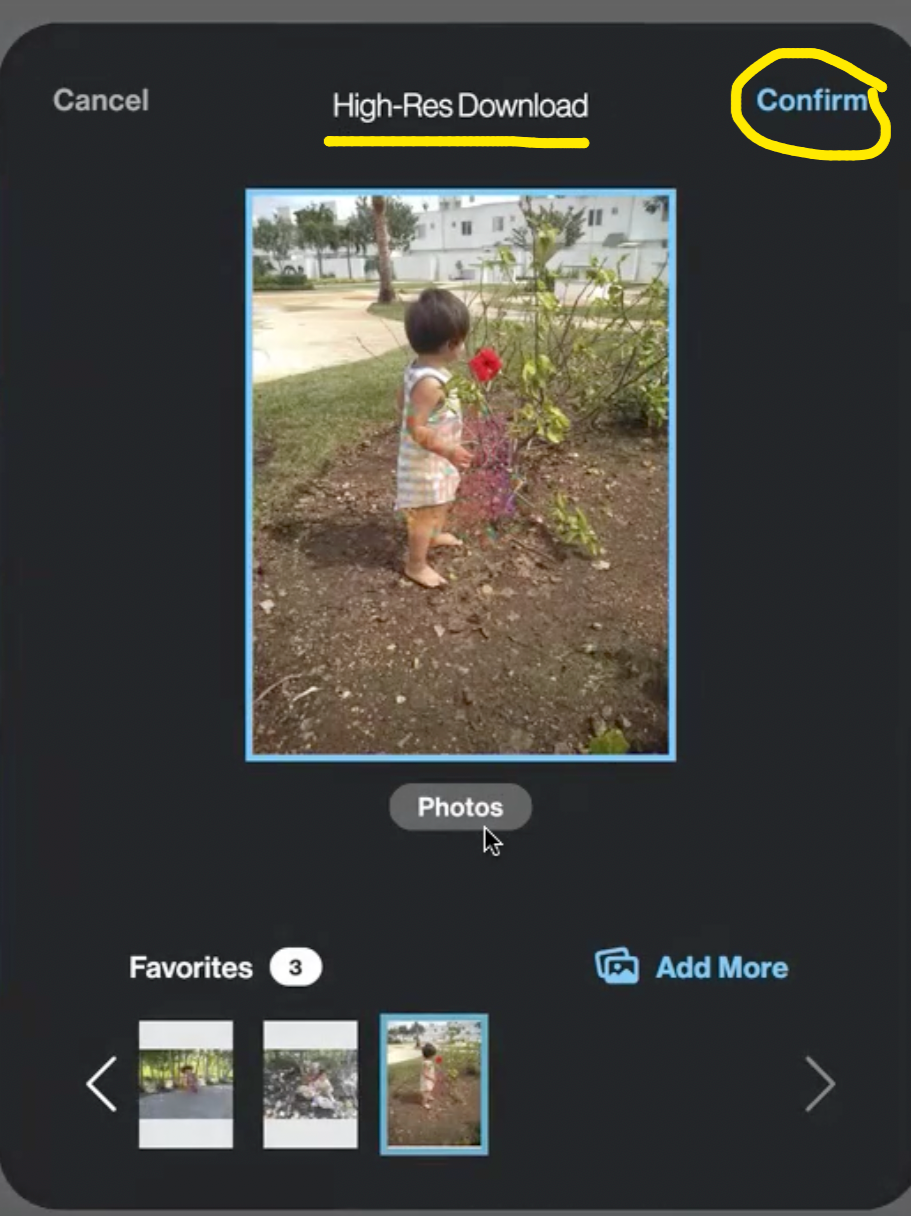
When you are happy with your print set up, click on CONFIRM
DIGITAL DOWNLOADS: You will also choose your hi-res digital downloads here, which will be emailed to you.


STEP SEVEN:
When you have set up all the prints, you can order the photos to your address. Just make sure when you pay that your advance Pay Credit is showing up!
**If YOU don’t see your Pre-Paid credit, check if you logged in with the same email or phone number as when you paid for the credit. Or, ask us for help.
You’re all done! Enjoy your photos!